CyberCX - 2026 Threat Report

So, I've red the CyberCX Threat report - https://cybercx.com.au/resource/dfir-threat-report-2026/ and here is the highest scored items.
The 3 highest percentage of Incidents were:
Cyber Extortion - 26%
Business Email Compromise (BEC) - 23%
Other Unauthorized Access - 22%
Cyber extortion became the #1 Incident Type
For the first time in the report’s history, cyber extortion became the most common incident type handled by CyberCX responders.
The confidentiality or availability of a victim's system or data is held at ransom by a malicious actor. This can be facilitated by encrypting systems and files using ransomware only, or data extortion only by exfiltrating sensitive data and threatening to release it, in many cases including both, double-extortion.
Typical workflow:
Initial Access → Lateral Movement → Data Exfiltration → Encryption → Extortion
Initial Access Vector:
1- Valid Accounts and External remote access
2- RDP Brute Force
3- Exploit Public Facing Application
Akira was the most prominent ransomware variant, accounted for 21% of all extortion cases.
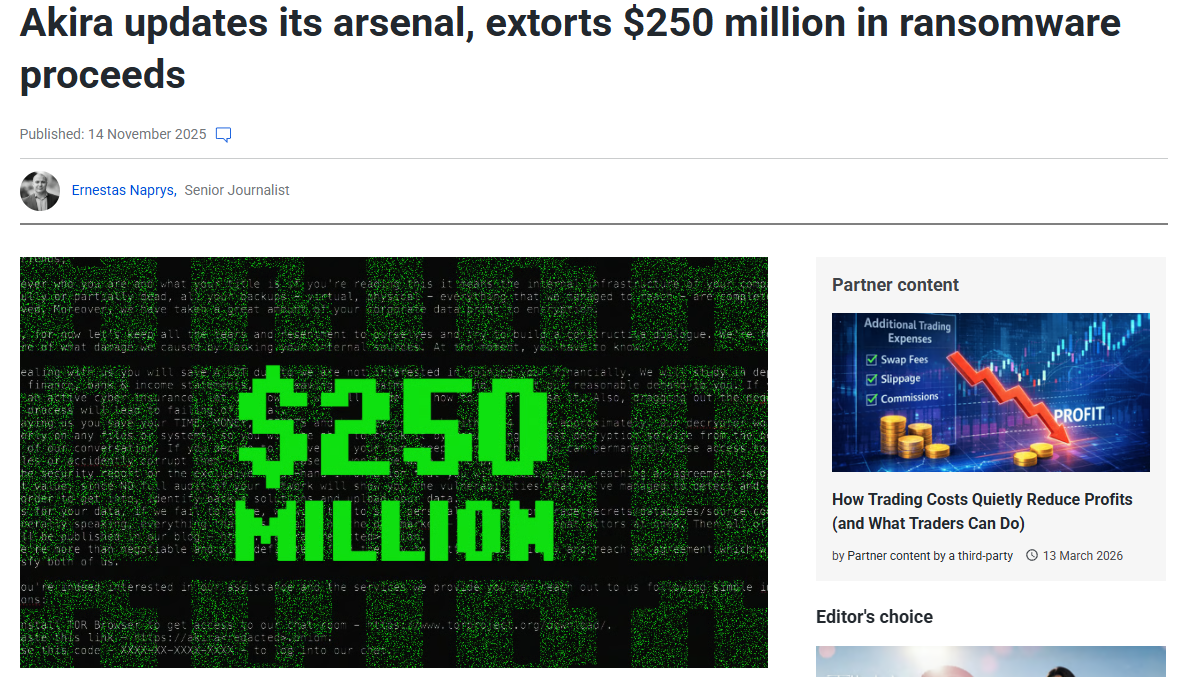
https://cybernews.com/security/major-threat-akira-ransomware-crosses-250m-dollars/
Security Recommendations against Akira:
One of the most common Akira entry points is compromised credentials used for VPN, RDP, or remote access systems.
Recommended controls (pretty standard Essential 8 stuff):
1. Enforce Phishing-Resistant MFA
Require MFA for all remote access (VPN, RDP, cloud apps), preferably using FIDO2 or hardware tokens to prevent credential theft.
2. Secure Remote Access Services
Do not expose RDP or management services directly to the internet. Use VPN, Zero Trust Network Access (ZTNA), or a bastion host.
3. Patch Public-Facing Systems
Regularly patch VPN appliances, firewalls, web applications, and operating systems to prevent exploitation of known vulnerabilities.
4. Monitor for Suspicious Authentication Activity
Detect brute-force attacks, impossible travel, and abnormal login patterns using SIEM or identity protection tools.
5. Implement Network Segmentation
Separate user devices, servers, and domain controllers to limit lateral movement if attackers gain access.
6. Deploy Endpoint Detection and Response (EDR)
Use EDR to detect ransomware behaviours, credential dumping, privilege escalation, and suspicious PowerShell activity.
7. Monitor Data Exfiltration
Detect unusual outbound traffic or large file transfers using DLP and network monitoring tools.
8. Maintain Secure and Immutable Backups
Keep offline or immutable backups and test restoration regularly to ensure recovery after ransomware attacks.