Conditional Access - Block Cloud Apps from International
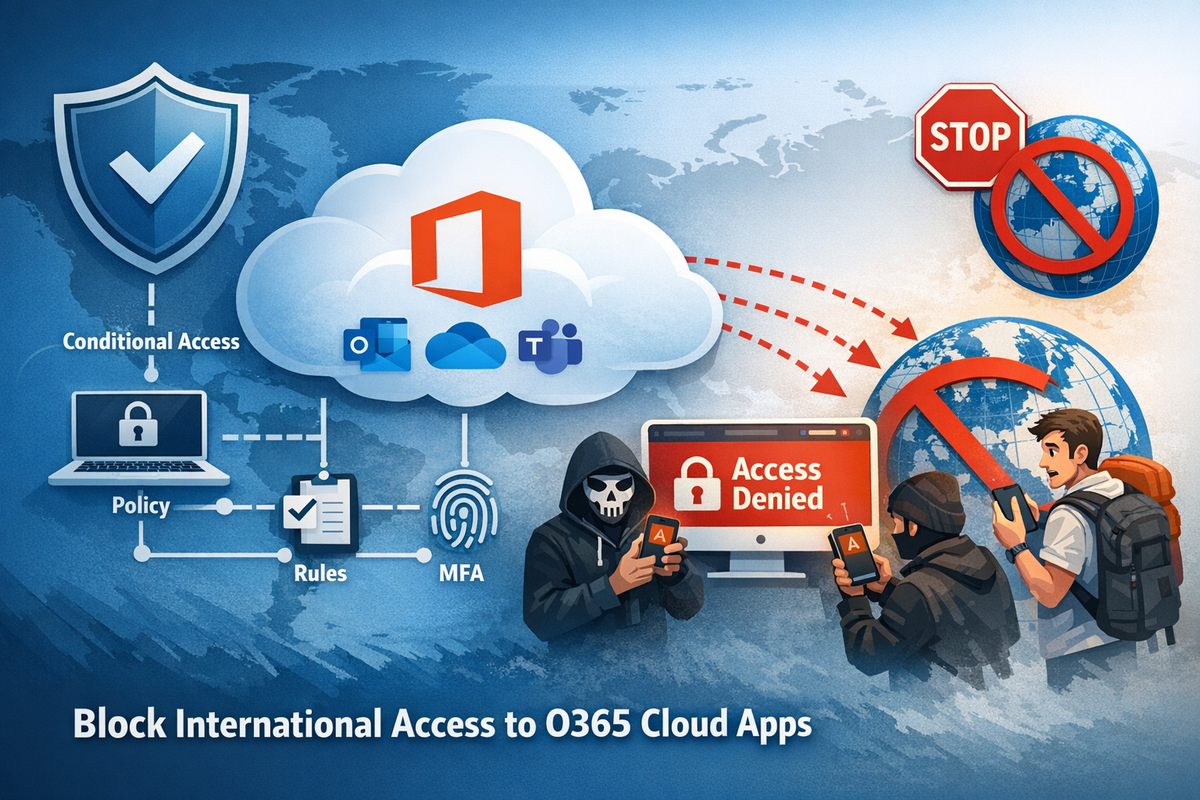
The idea behind this policy is to block access to Cloud apps (Outlook, Teams, Sharepoint, etc) from anywhere other than the user's home country, in my case Australia.
This will enhance the protection of the mailboxes from international attacks. As in the past I had users with their emails compromised from overseas.
For this, create a Named Location and tick the box of the countries that you want to access the cloud apps from. For instance, Australia.
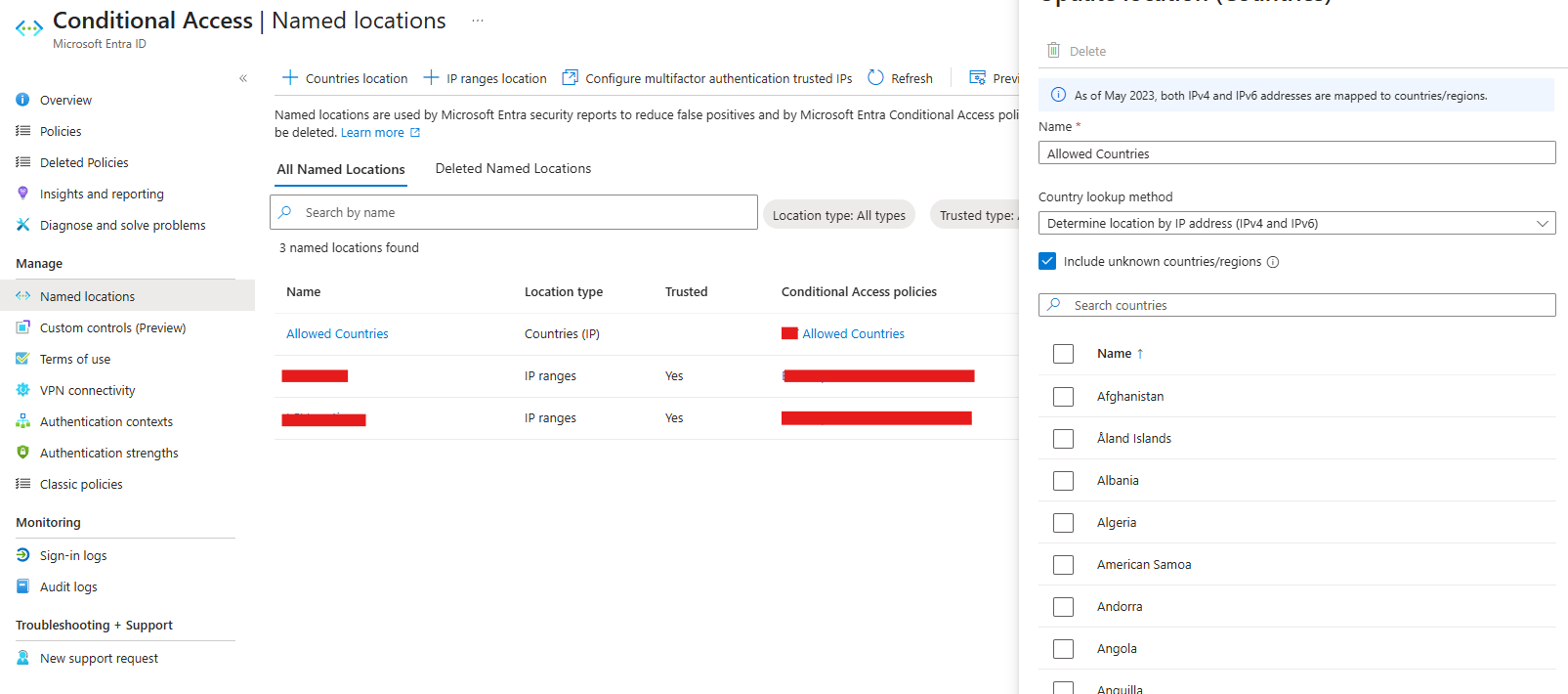
Go to the Conditional Access > Policies > New Policy
Give it a name. Under assignments, include all users.
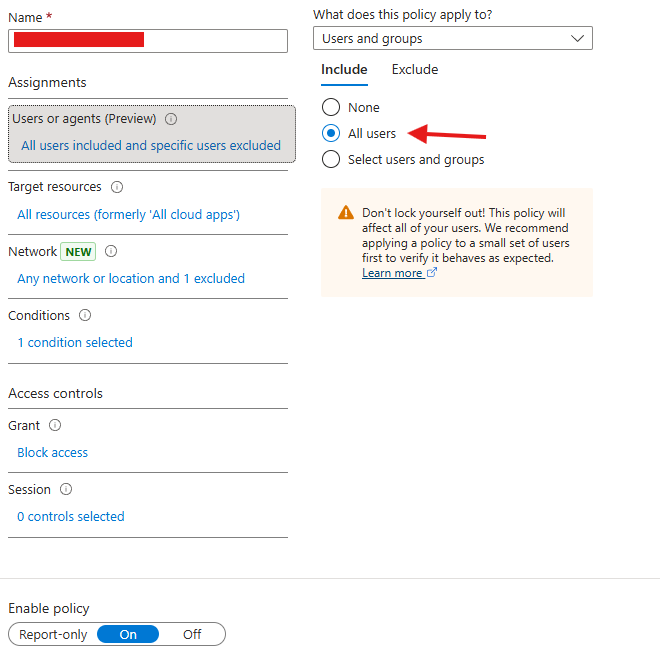
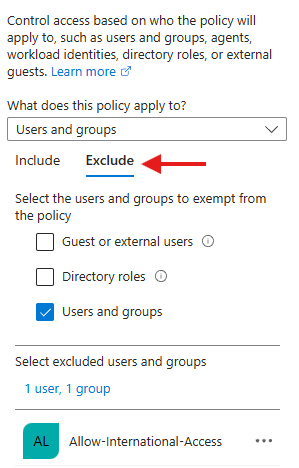
Under the Exclude tab, Add a group. This group can be created from AD or from Microsoft Entra. This group will be used in a way to allow the use of cloud apps when users go overseas, simply by adding them to the group.
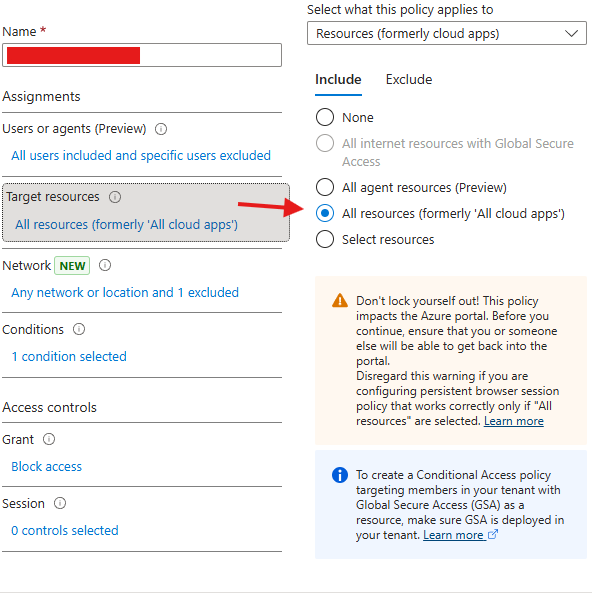
In the Target Resources, select all resources
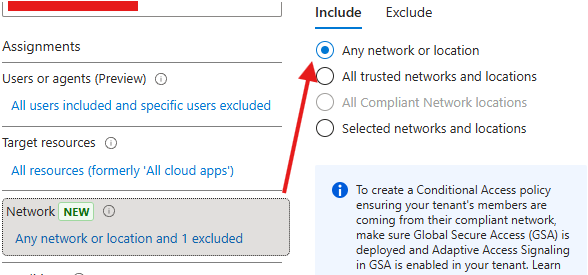
In the network option, select Any network or location
and exclude the group of countries we created
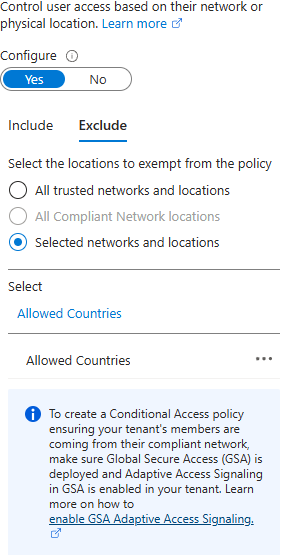
Do the same for Conditions, include and exclude.
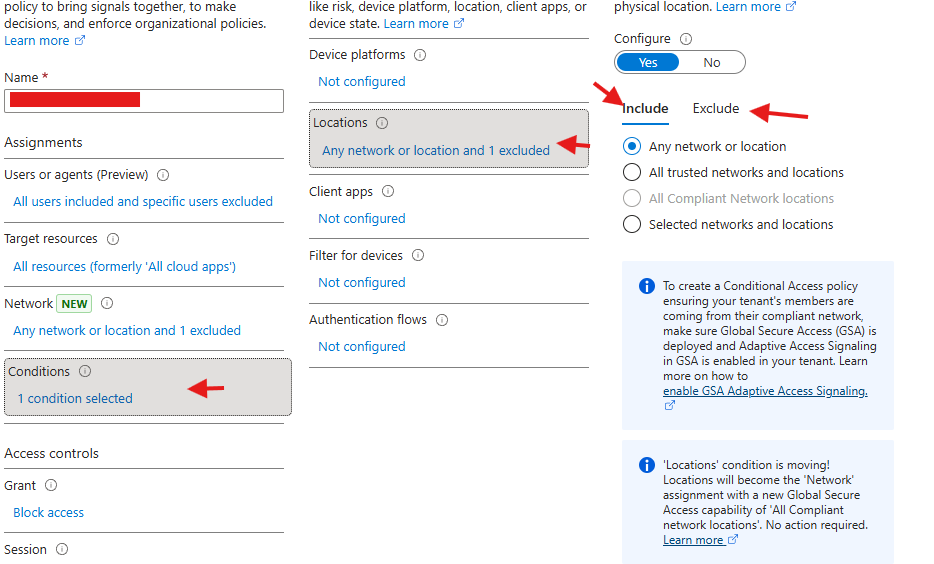
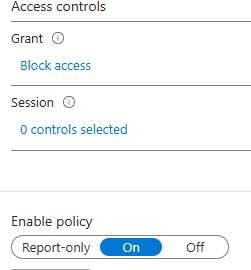
in Access control, Block access and Enable policy