KRBTGT Password Reset step by step
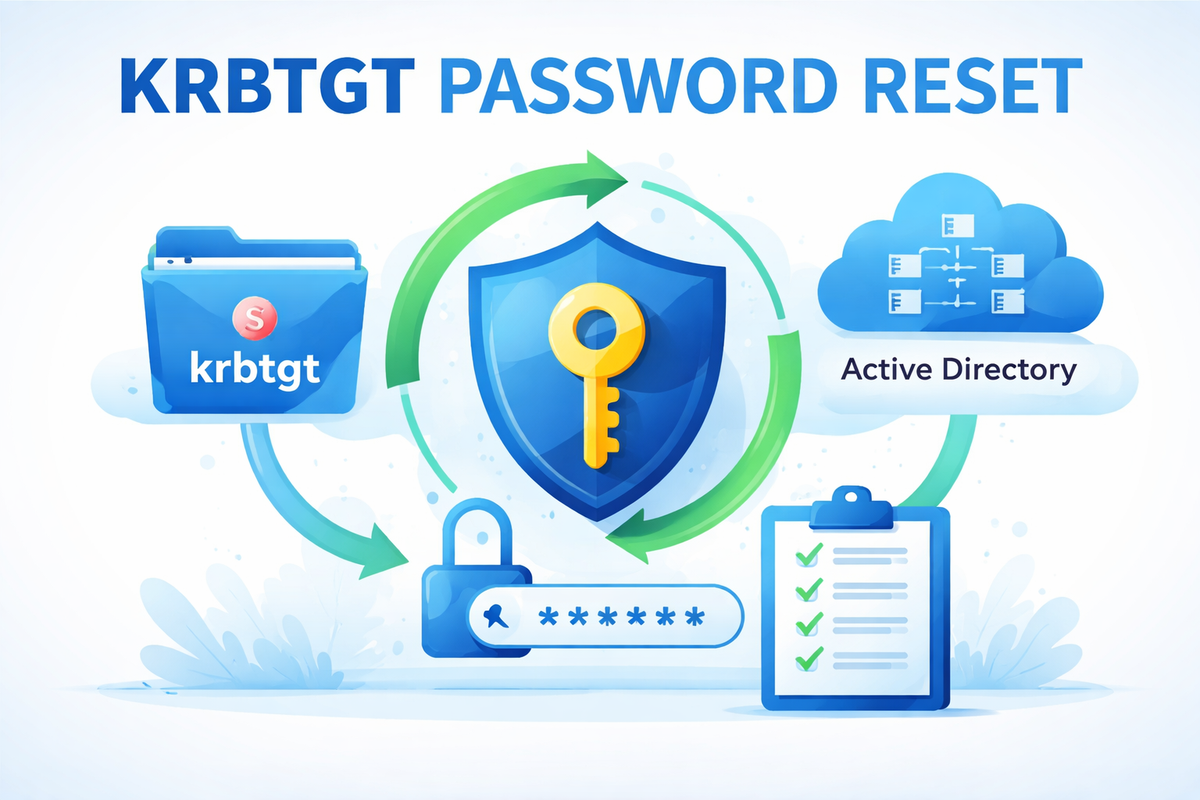
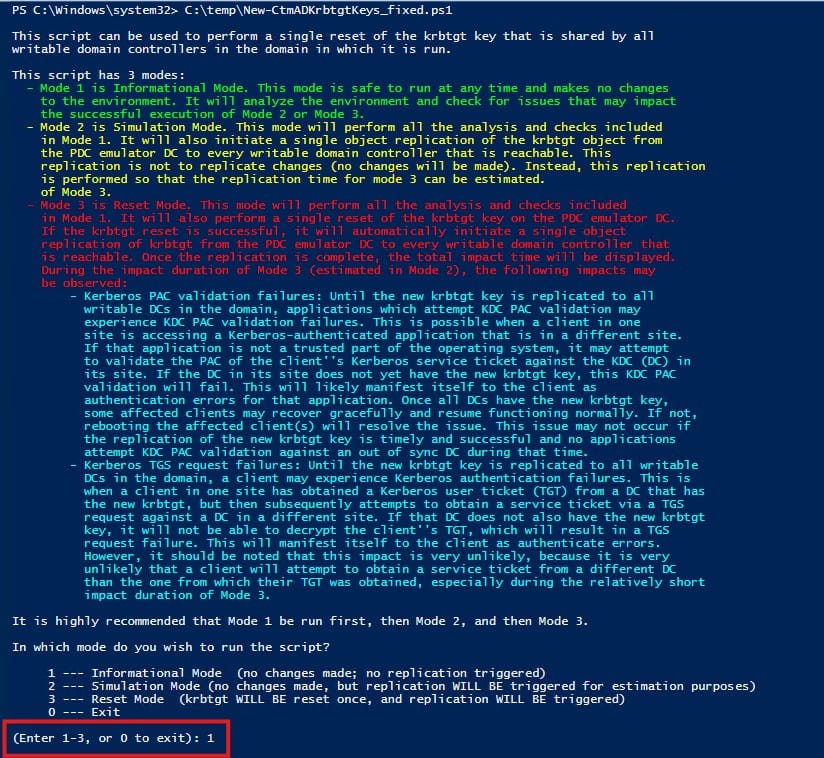
I got the script from: https://github.com/Lauck-IT/KrbtgtRotation/blob/master/New-CtmADKrbtgtKeys-de.ps1
, however it contains some words in German on line 62 , "abgeschlossen", replace with "Completed" and line 86 replace with "Successfully replicated object".
Open Powershell ISE and runs as administrator. Run the script.
Select Mode 1 - It will analyze the environment.
You should have no errors - if you do, you need to fix it before continuing. I did encounter a few RPC connections errors, but it was caused by the script having some German words in it.
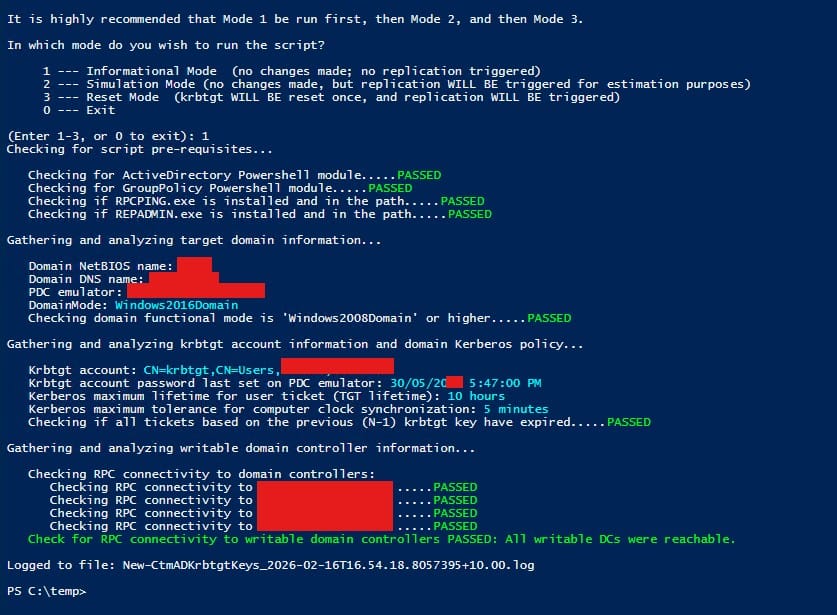
Once all "Passed" run the script again and select Mode 2.
It will run step 1 automatically and it will ask you for the krbtgt object replication permission. Type "Y" and Enter.

If everything is OK, run the script in Mode 3 to renew (reset) the password.
The message states:
WARNING!!! The krbtgt key WILL BE reset AND krbtgt object replication WILL BE triggered if you proceed. Are you sure you wish to proceed?If you proceed, the impact duration of Mode 3 (described above) will begin and not end until all DCs obtained the new krbtgt key.'

Enter "Y"
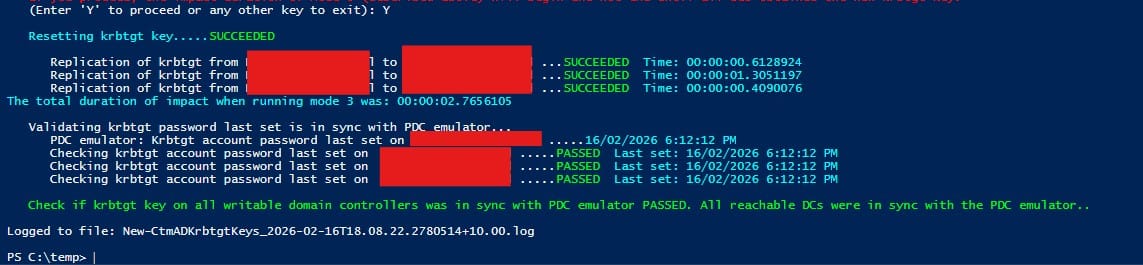
The first password change is done.
Now - Wait 24 hours before you do it again!
Is it really necessary , Yes and No.
By changing the password we have invalidated tickets signed with the previous key. Kerberos tickets (TGT) issued before the reset can remain valid until they expire , which is TGT lifetime + Clock Stew.
In most environments, this would be 10 hours + 5 minutes
So, waiting 24 hours is just a safe blanket, but waiting the full TGT lifetime is MANDATORY.
Be safe and wait 24 hours. Avoid headaches.