Azure Copilot
What's Azure Copilot?
Azure Copilot is an AI-powered tool to help you do more with Azure. With Azure Copilot, you can gain new insights, discover more benefits of the cloud, and orchestrate across both cloud and edge. Copilot leverages Large Language Models (LLMs), the Azure control plane, and insights about your Azure environment to help you work more efficiently (https://learn.microsoft.com/en-us/azure/copilot/overview).
What can I do with it?
Basically, you can ask questions, prompts, the same way you do with ChatGPT. Example: “Why is my VM not connecting to the internet?”
Im not going to deep dive into technicalities, because to be honest, its boring and I just want to use the feature. So I enabled it and used it. Thats whats important for me at this stage.
Have a look below how to turn it off and a bit more info:
Login to : https://portal.azure.com/ and search for Azure Copilot.
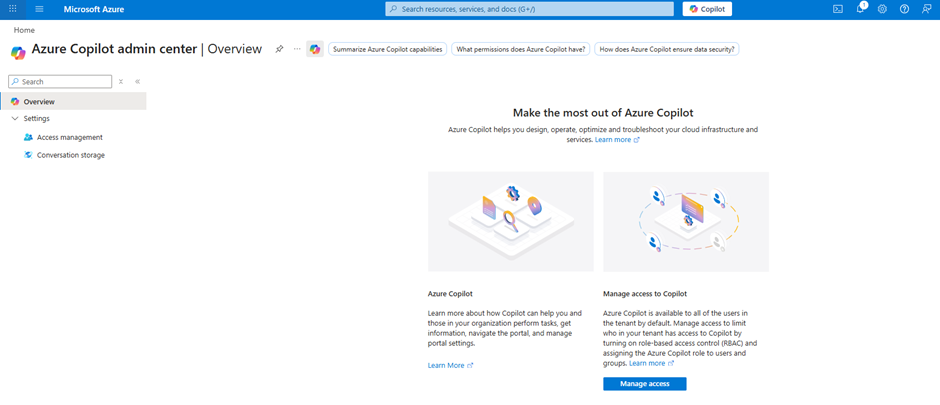
In the left panel - click on Access Management.
**You need to have full permissions in the subscription otherwise you will need to allow it.
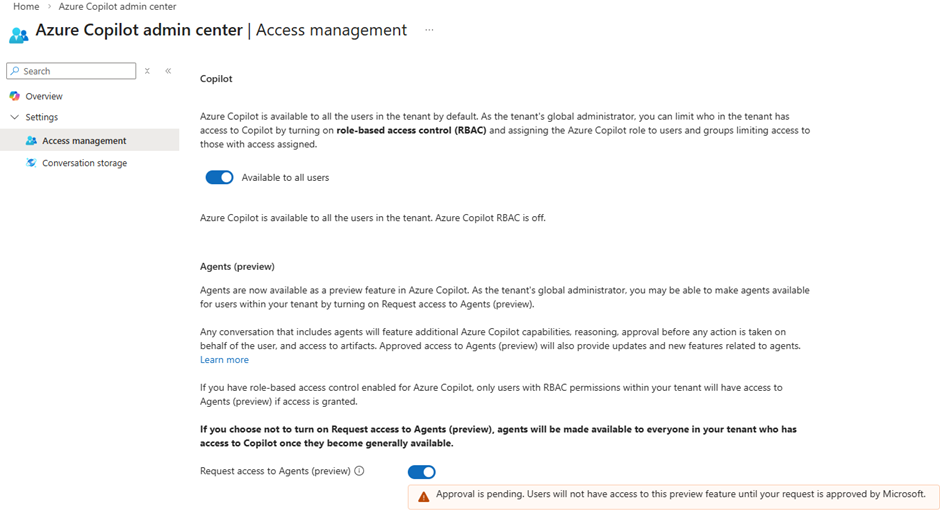
Available to all users mean : Any user who already has access to the Azure Portal can use Copilot.
In my case I dont need to modify anything.
In case you want to create a specific storage to save the azure copilot, you can do it here by ticking the box and filling up the information.
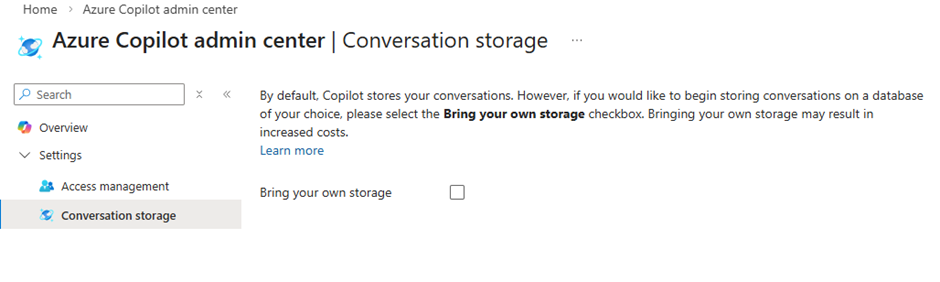
This has made the copilot be active.
Now going back to the main screen, I can click on Copilot and start asking questions.
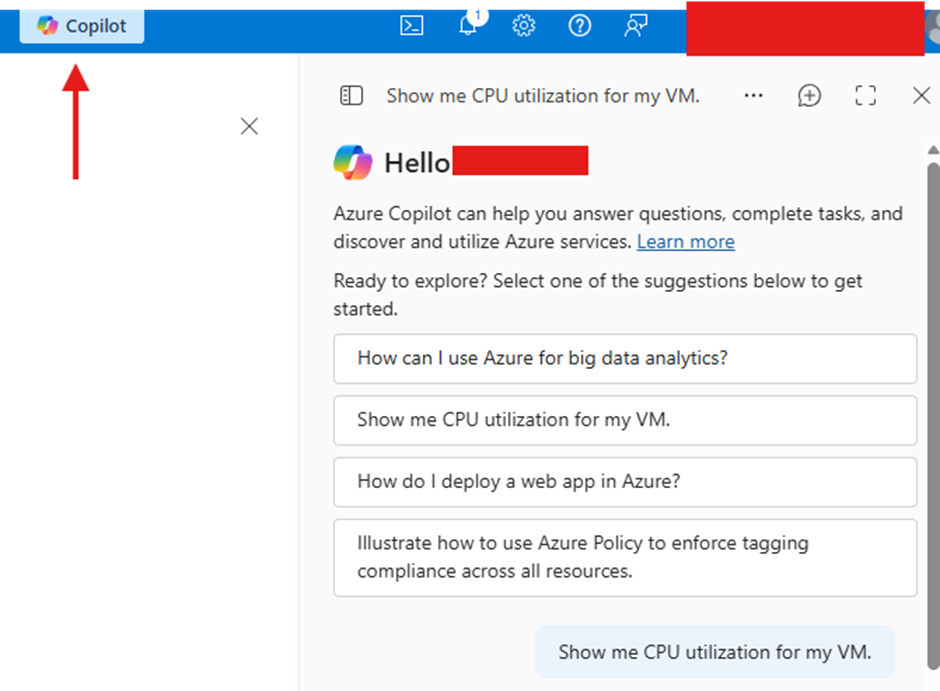
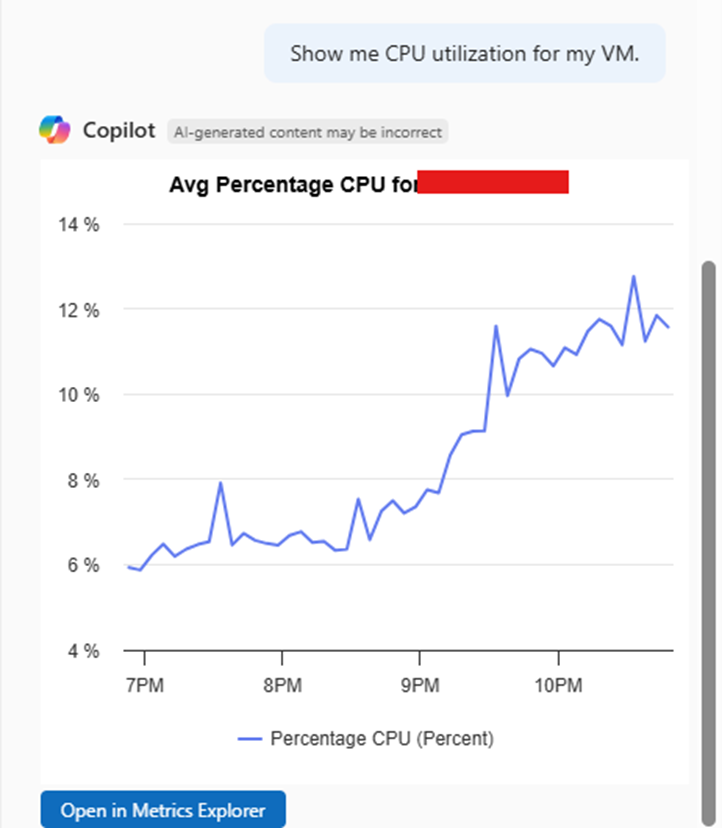
I only have 1 VM for testing, so it brought me graph.
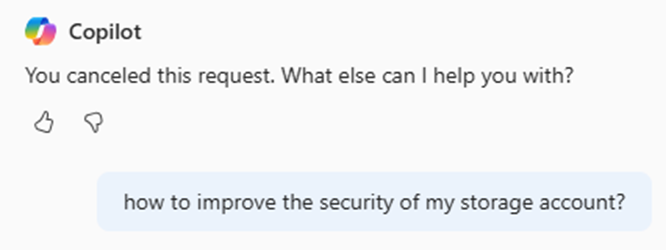
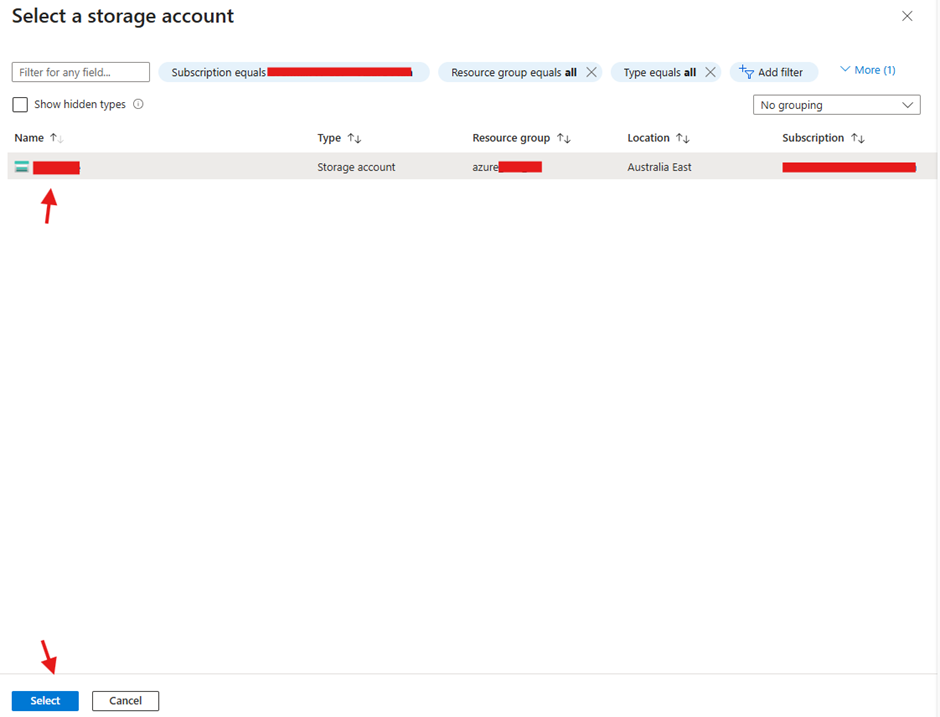
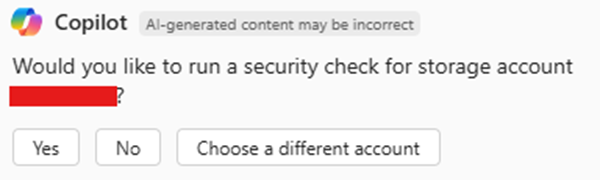
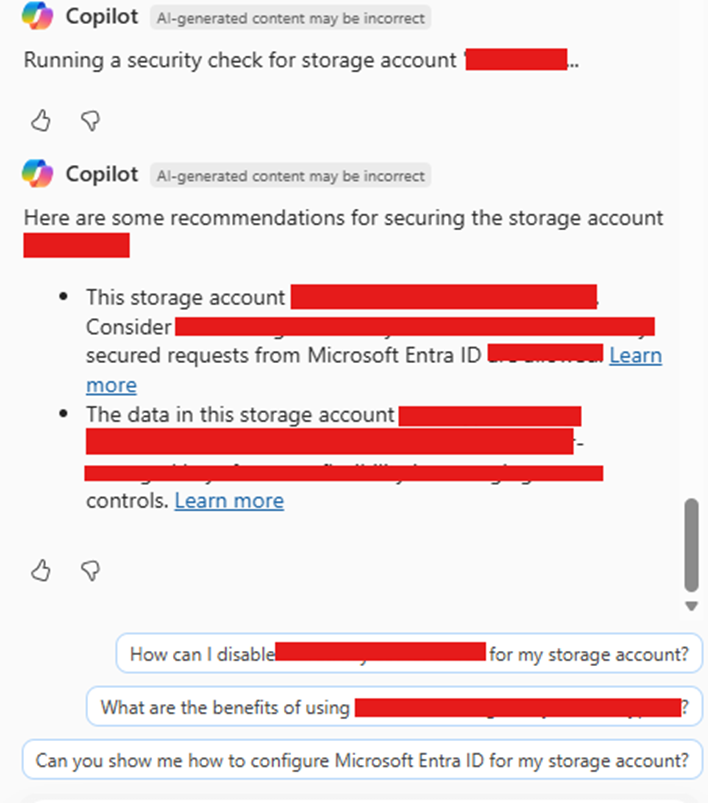
Using it to improve the security of my storage account